

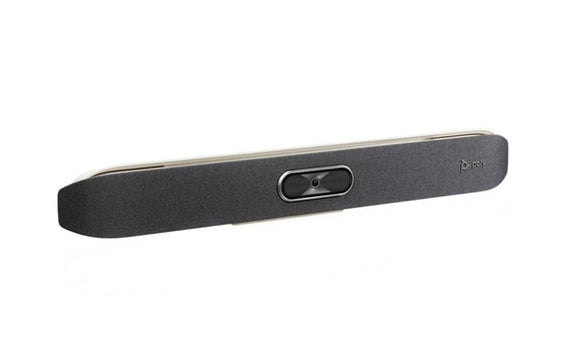


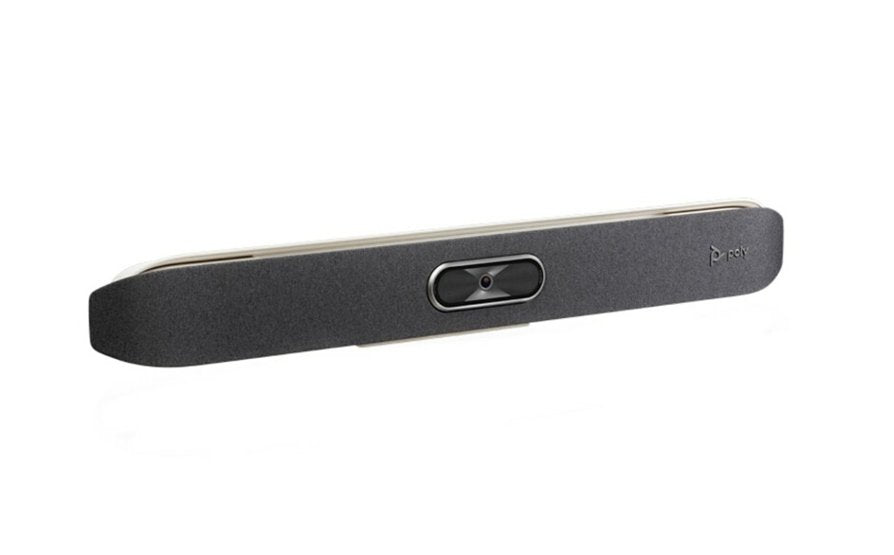
Poly Studio X50 4K Ultra HD Video Conferencing System
Email sales@sourceit.com.sg or use Request for Quotation below and our team will confirm the latest price, availability and lead time.
PRODUCT DESCRIPTION
Poly Studio X50 4K Ultra HD All-In-One Video Bar — 2200-85970-102 / 83Z44AA - Local Warranty
4K Ultra HD Video for Rooms of Up to Ten People
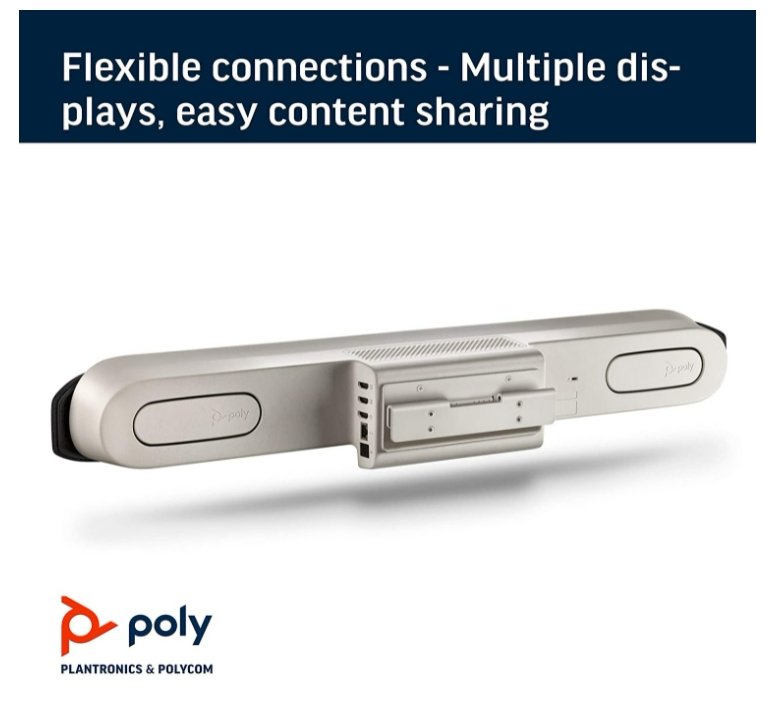
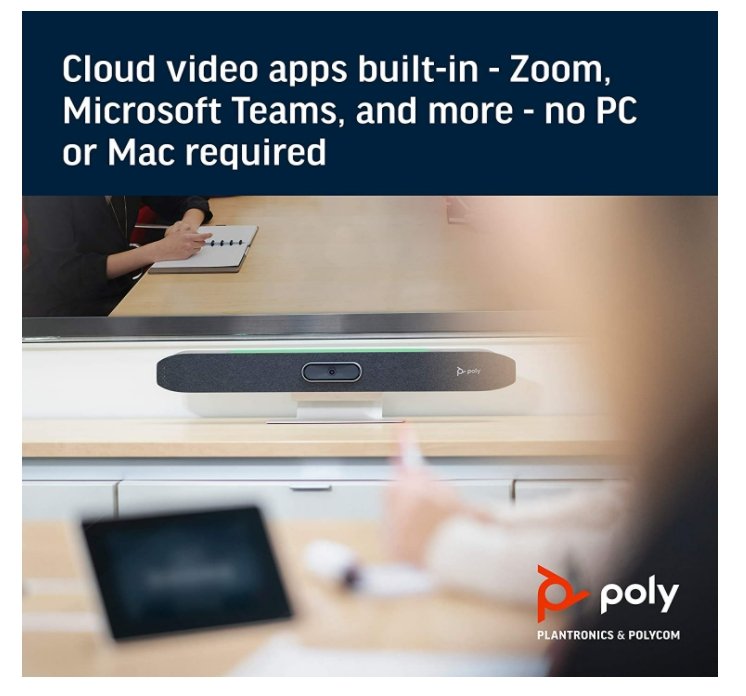
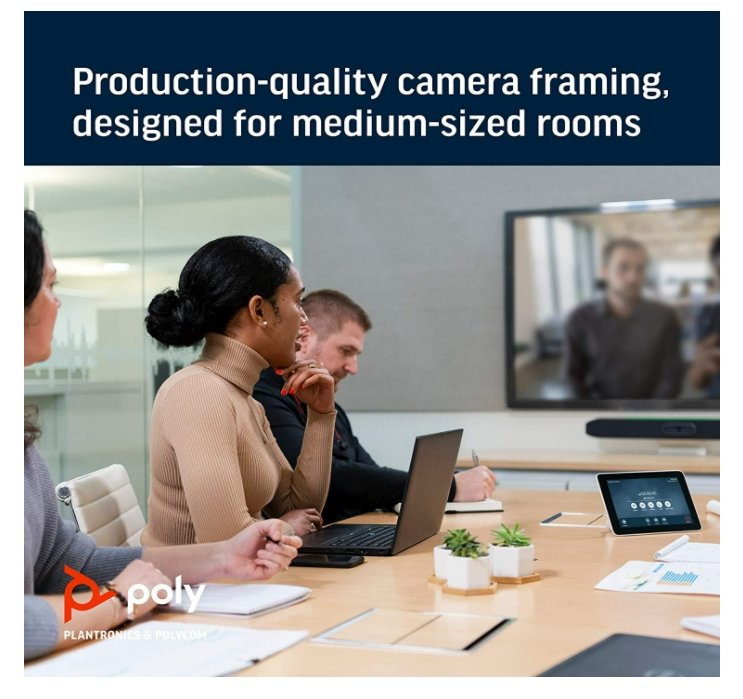
The Poly Studio X50 is the medium-room member of the original Studio X family: camera, stereo speakers, microphone array and the video application in one 762 mm bar, with no room PC required. The camera captures 2160p 4K Ultra HD across a 121° diagonal / 110° horizontal field of view, and HP rates the system for rooms of up to ten participants. Dual HDMI outputs drive two displays, so you can put people on one screen and content on the other.
Stereo Speakers and a Five-Microphone Array Reaching 7.62 m
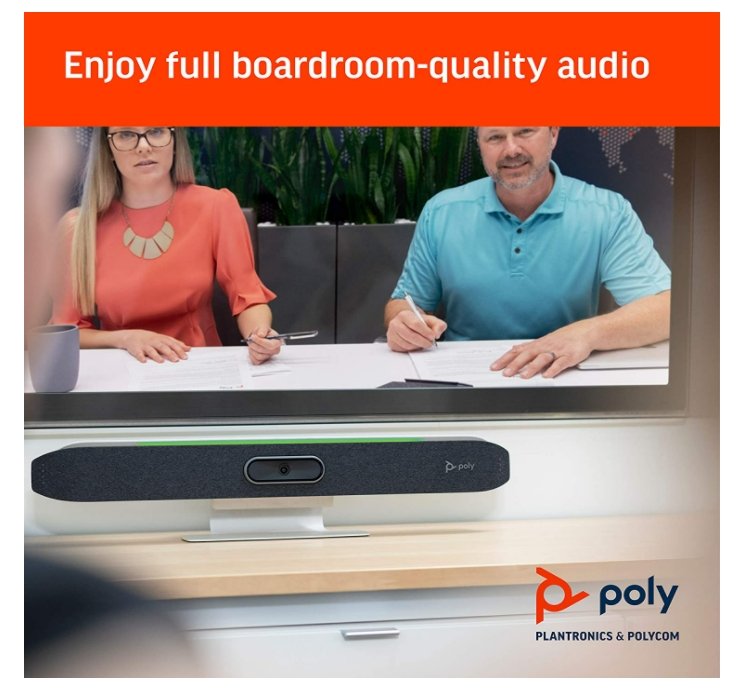
Where a huddle bar makes do with a single driver, the X50 carries stereo speakers rated 20 W RMS and 40 W maximum — enough to fill a real meeting room without the far end sounding thin. Three MEMS microphones plus two second-order microphones form a beamforming array that picks up the table out to 7.62 m, which is the longest pickup range in the small-and-medium half of the Studio X range.
DirectorAI Framing, Presenter Mode and Wireless Content
Poly DirectorAI smart camera technology handles group framing, people framing and speaker framing with automatic speaker tracking, and Presenter Mode follows someone presenting on their feet. A 5x digital zoom is available — digital, not optical, with no motorised pan or tilt. Content reaches the display over Apple AirPlay, Miracast or the HDMI input, and digital whiteboarding is supported.
Certified for Teams and Zoom, and Ready for Any Laptop
Poly lists the Studio X50 as Zoom Certified and Microsoft Teams Certified, with Google Meet named in its certified collaboration software, and the bar runs those applications natively alongside BlueJeans, Dialpad, GoToRoom, RingCentral and StarLeaf. USB Device Mode turns it into a plain USB camera and speakerphone for a visitor's laptop, and H.323 and SIP calling are supported for standards-based estates.
Poly Studio X50 Datasheet — Technical Specifications
Every specification below is taken from HP and Poly's own published documentation for the Studio X50 — the official product specification sheet, the HP Poly product page and the Poly datasheet. Where HP does not publish a figure we have left it out rather than estimate it.
General
| Product type | All-in-one video bar — camera, stereo speakers, microphones and video application in one device, no room PC required |
| Recommended room size | Rooms of up to 10 participants |
| Displays supported | Two (dual monitor) |
| Management | Poly Lens cloud device management |
| Operating conditions | 0 °C to 40 °C, 15–80% relative humidity |
| Warranty | Local Warranty (Singapore) |
| Part number | 2200-85970-102 / 83Z44AA |
Camera
| Capture resolution | 2160p 4K Ultra HD (3840 x 2160) |
| Frame rate | 5–60 fps |
| Transmitted video | 4K at 30 fps from 2048 Kbps; 1080p at 60 fps from 1740 Kbps; 1080p at 30 fps from 1024 Kbps; 720p at 60 fps from 832 Kbps |
| Lens | Single lens |
| Zoom | 5x digital zoom — Poly and HP state digital zoom only; there is no optical zoom on this model |
| Field of view | 121° diagonal (DFOV), 110° horizontal (HFOV) |
| Auto-framing | Poly DirectorAI smart camera technology — group framing, people framing, speaker framing, automatic speaker tracking; Presenter Mode |
| Video standards | H.264 AVC, H.264 High Profile, H.265, H.239 |
| Privacy | Attachable lens cover |
Audio
| Speakers | Stereo speakers, 20 W RMS / 40 W maximum |
| Speaker sensitivity | 86.1 dB |
| Microphones | Three MEMS microphones plus two second-order microphones in a next-generation beamforming array |
| Microphone pickup range | Up to 7.62 m (25 ft) |
| Audio standards | 22 kHz Polycom Siren 22; 20 kHz G.719 and Siren 22; 14 kHz Siren 14 / G.722.1 Annex C; 7 kHz G.722, G.722.1; 3.4 kHz G.711, G.728, G.729A |
| Audio processing | Poly NoiseBlockAI, Poly Acoustic Fence |
Connectivity
| HDMI input | 1 x HDMI-in 1.4 (video and audio) |
| HDMI output | 2 x HDMI-out 1.4 (video) |
| USB | 1 x USB Type-C (5 Gbps); 2 x USB Type-A (5 Gbps, USB 3.0) |
| Audio jacks | 1 x audio-in, 1 x audio-out, 1 x line-in for an optional microphone |
| Ethernet | 1 x 10/100/1G |
| Wi-Fi | 802.11a/b/g/n/ac (MIMO) |
| Bluetooth | 5.0 |
| Wireless content sharing | Apple AirPlay, Miracast, digital whiteboarding, plus wired HDMI input |
Design & Power
| Dimensions | 762 mm (W) x 102 mm (D) x 102 mm (H) |
| Weight | 2540 g |
| Mounting | Wall mount kit included |
| Power | External auto-sensing power supply; 37 VA at 120 V / 60 Hz and at 230 V / 50–60 Hz |
| Heat dissipation | 65 BTU/h |
| Security | Kensington lock slot |
Compatibility & Software Support
Platforms and certifications
Poly and HP list the Studio X50 as Zoom Certified and Microsoft Teams Certified, with Google Meet named in the certified collaboration software list.
Poly Video App mode reaches all cloud service providers, and the bar runs native third-party room applications including Zoom, Microsoft Teams, BlueJeans, Dialpad, GoToRoom, RingCentral and StarLeaf.
Use it with a laptop or room PC
USB Device Mode is supported — connect the bar to a laptop or room PC over USB and use it as a camera, speakerphone and microphone for any application.
Standards-based calling
Standards-based H.323 and SIP calling in Poly Video mode.
Management software
The Studio X50 is managed through Poly Lens, HP's cloud device-management service. From one console your IT team can see room device health, push firmware, apply configuration profiles and pull usage insights across every Poly device in the estate — which is the usual reason Singapore IT departments standardise on Poly rather than mixing consumer hardware across meeting rooms.
Package Contents & Poly Studio X Series Ordering Information
In the box
- Poly Studio X50 video bar
- Ethernet cable
- Wall mount kit
- AC power adapter
- Privacy cover
- Cable bundle
Poly Studio X Series ordering information
Touch controllers and room scheduling panels
| Model / Variant | Part Number |
| Poly Studio TC8 Video Conferencing Controller | 2200-30760-001 / 875J0AA |
| Poly TC10 Touch Controller / Room Scheduler (black) | 875K5AA |
| Poly TC10 Touch Controller / Room Scheduler (white) | 875J5AA |
| Poly GC8 Touch Controller for Poly Room Kits | 2200-30780-001 / 875J6AA |
Mounts and expansion accessories for the Studio X50
| Model / Variant | Part Number |
| Poly Studio X52 Adapter Bracket for Studio X50 Wall or VESA Mount | 8L532AA |
| Poly Studio USB & Studio X50 Expansion Microphone | 2200-69631-001 / 875M6AA |
| Poly Studio X50/X70/USB Power Supply without Power Cord | 1465-49603-001 / 875M7AA |
Prices, stock and lead times for any of the above are available from the SourceIT sales team.
Datasheet & Downloads
All documents below are published by HP and Poly. Links open in a new tab.
- HP Product Details — Poly Studio X50 (83Z44AA) — official HP product and specification page
- HP Poly All-In-One Video Bar Line-Up (Singapore) — current HP Singapore comparison of the Studio X range
- HP Poly Studio X52 Product Page (Singapore) — the current-generation medium-room bar, for comparison
- Poly Support (Singapore) — firmware, admin guides and release notes for Poly Video OS
Frequently Asked Questions — Poly Studio X50
Which room size does the Poly Studio X50 suit?
HP describes the Studio X50 as ideal for rooms of up to ten participants, with a 121° diagonal field of view and microphone pickup to 7.62 m — the longest pickup range of the small and medium Studio X bars. For a huddle room the Studio X32 is the better-value fit; for a boardroom, the Studio X72.
How does the Studio X50 compare with the newer Studio X52?
The Studio X52 is HP's current medium-room bar and the X50 no longer appears on HP's all-in-one comparison page. On published figures the X52 brings a 20 MP sensor, Wi-Fi 6, HDMI 2.0 on the input and both outputs, and support for three displays in Zoom with an adapter. The X50 answers with a wider 110° horizontal field of view against the X52's 95°, and a longer 7.62 m microphone pickup against 6.09 m — so in a wide, shallow room the older bar can still be the better optical fit.
Do I need a room PC, a codec or a separate licence?
No room PC and no codec — the video application runs on the bar itself. You will still need the meeting platform licence your organisation uses (Microsoft Teams Rooms, Zoom Rooms, or your own H.323/SIP infrastructure).
Can I drive two displays?
Yes. The Studio X50 has two HDMI 1.4 outputs and supports dual monitors, so far-end participants can occupy one screen while shared content occupies the other. Content reaches the bar over Apple AirPlay, Miracast or the HDMI input.
Can I add an expansion microphone for a longer table?
Yes — the X50 has a line-in for an optional microphone, and we stock the Poly Studio USB & Studio X50 Expansion Microphone. For a room long enough to need one, it is worth checking whether the Studio X72 would serve the space better.
Which touch controller works with the Studio X50?
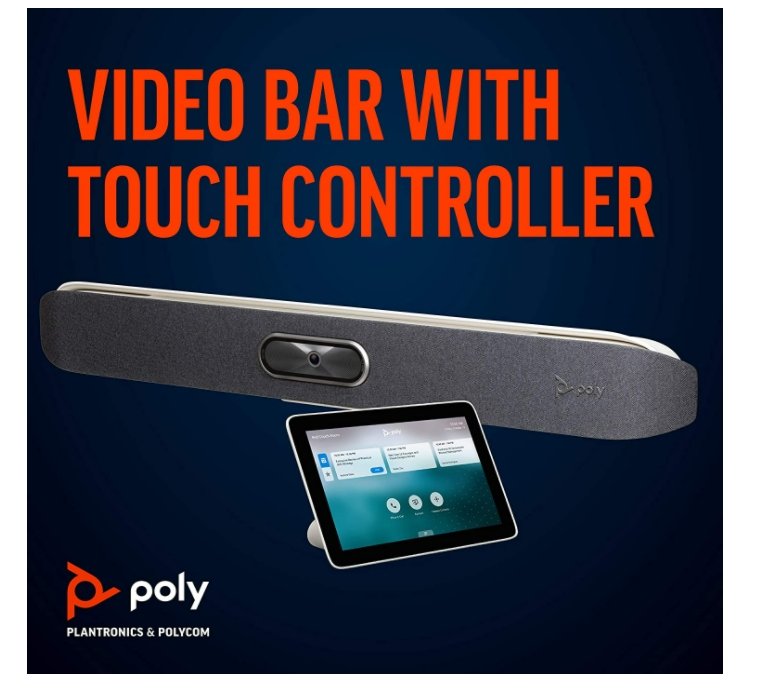
Both the Poly TC8 and the Poly TC10 are documented for the Studio X50. We also stock the bar and TC8 together as a single kit.
Does the Poly Studio X50 come with a Singapore warranty and GST invoice?
Yes. Every Poly Studio X50 sold by SourceIT comes with local Singapore warranty and a GST invoice.


