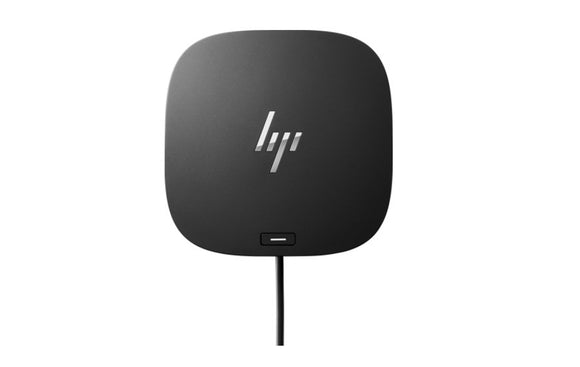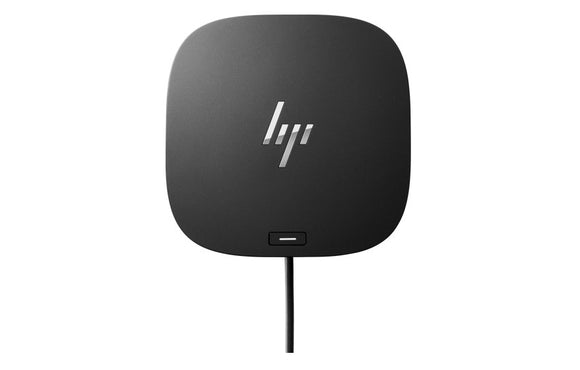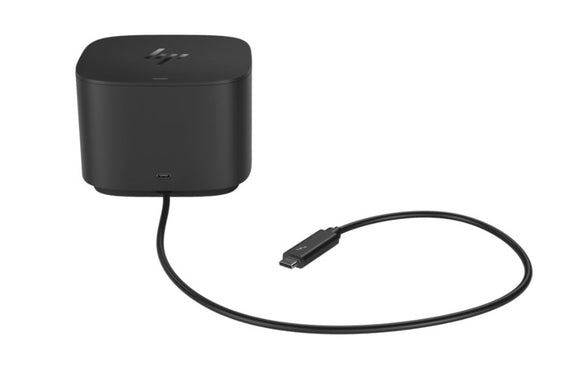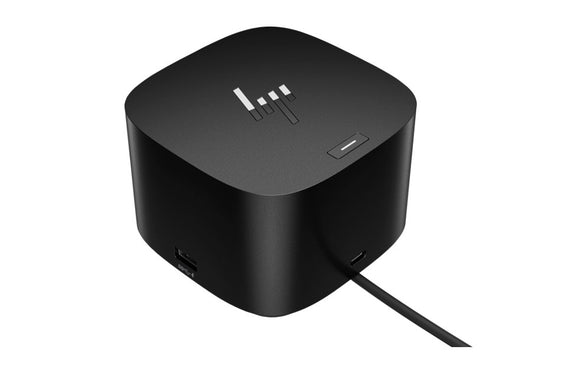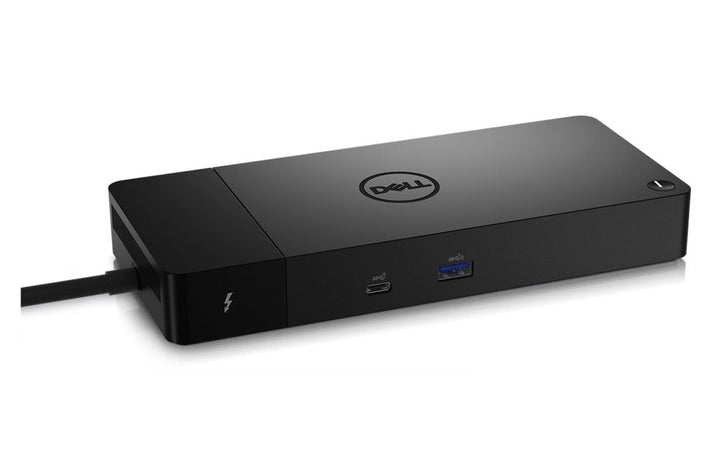
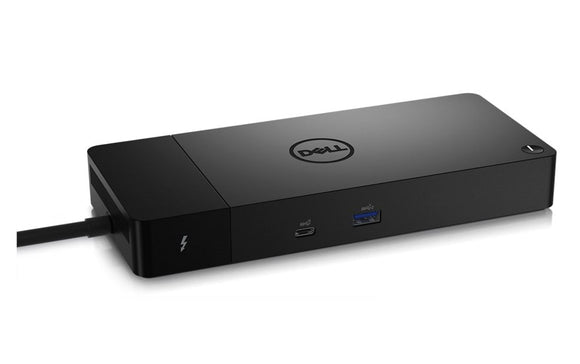


Dell WD22TB4 Thunderbolt 4 Docking Station
PRODUCT DESCRIPTION
Dell Thunderbolt Dock - WD22TB4 (210-BELB) - Local Dell Warranty
Up to Four External Displays
Two DisplayPort 1.4, one HDMI 2.0 and a USB-C DisplayPort 1.4 Alt Mode port, plus two Thunderbolt 4 downstream ports.
Charges the Laptop While It Works
A 180 W adapter delivers 130 W to Dell systems and 90 W to non-Dell systems over a single Thunderbolt 4 cable.
Ready for Managed Fleets
Gigabit Ethernet with Wake-on-LAN and MAC address pass-through on select systems, plus Kernel DMA protection.
Buying for an office roll-out? Email sales@sourceit.com.sg for volume pricing and delivery lead time.
Dell WD22TB4 Datasheet — Technical Specifications
General
| Product Name | Dell Thunderbolt Dock - WD22TB4 |
| Model | WD22TB4 |
| Dell SKU (Singapore) | 210-BELB |
| Warranty | Dell limited hardware warranty; supplied locally by SourceIT with a GST invoice |
Host Connection
| Host Interface | Thunderbolt 4 (Type-C) |
| Cable Length | 0.8 m |
| AC Adapter | 180 W (7.4 mm DC-in) |
| Power Delivery | 130 W to Dell systems; 90 W to non-Dell systems |
Ports
| Video | 2 x DisplayPort 1.4, 1 x HDMI 2.0, 1 x USB 3.2 Gen 2 Type-C with DisplayPort 1.4 Alt Mode |
| Thunderbolt | 2 x Thunderbolt 4 Type-C (on compatible hosts) |
| USB Type-A | 2 x USB 3.2 Gen 1, 1 x USB 3.2 Gen 1 with PowerShare |
| USB Type-C | 1 x USB 3.2 Gen 2 |
| Network | Gigabit Ethernet (RJ-45) |
Display Support
| External Displays | Up to 4 |
Management & Security
| Network Features | Wake-on-LAN and MAC address pass-through on select systems |
| Security | Kernel DMA protection |
| Controls | Power button with sleep/wake; LED indicators |
Physical
| Dimensions | 205 x 90 x 29 mm |
| Weight | 650 g |
Compatibility & Software Support
Supported Operating Systems
Windows 10, Windows 11, Ubuntu 20.04 and later, Chrome OS M107 or later (Dell user guide).
Host Laptops
USB Type-C Thunderbolt systems and USB Type-C systems with DisplayPort Alt Mode. Display modes and charging depend on the host.
Administration
See the Dell WD22TB4 Administrator's Guide below for firmware and IT management.
Package Contents & Dell Docking Stations Ordering Information
In the Box
Docking station with Thunderbolt 4 cable, 180 W power adapter and documentation (see the Quick Start Guide).
Dell Docking Stations
| Model | Key feature |
| WD19S | USB-C, up to 130 W to Dell PCs (180 W adapter) |
| WD19DCS | Dual USB-C, up to 210 W to Dell Precision 7000 (240 W adapter) |
| WD19TBS | Thunderbolt 3, up to 130 W to Dell PCs |
| HD22Q | USB-C dock with Qi wireless charging pad |
| WD22TB4 (this listing) | Thunderbolt 4 dock, 130 W to Dell PCs |
| UD22 | USB-C universal dock, up to 96 W to any USB-C laptop |
| D6000S | Universal USB-C/USB-A dock with DisplayLink |
| WD25 | Dell Pro USB-C dock, 100 W to Dell PCs |
| SD25 | Dell Pro USB-C smart dock |
| SD25TB4 | Dell Pro Thunderbolt 4 smart dock |
| SD25TB5 | Dell Pro Thunderbolt 5 smart dock |
Datasheet & Downloads
| User guide | WD22TB4 User Guide on Dell Support |
| Administrator's guide | WD22TB4 Administrator's Guide |
| Manuals & drivers | Documents and drivers on Dell Support |
Need a PDF sent directly? Email sales@sourceit.com.sg quoting WD22TB4.
Frequently Asked Questions — Dell WD22TB4
How many monitors can it drive?
Up to four external displays, depending on the host laptop.
How much power does my laptop get?
130 W to Dell systems and 90 W to non-Dell systems, from the 180 W adapter.
Does it work with USB-C laptops that are not Thunderbolt?
Yes, Dell lists USB Type-C systems with DisplayPort Alt Mode as compatible; Thunderbolt 4 ports need a compatible host.
What replaces the WD22TB4?
Dell's current Thunderbolt docks are the Dell Pro SD25TB4 and SD25TB5 in the table above.
What warranty do I get?
Dell limited hardware warranty, supplied locally by SourceIT with a GST invoice. Email sales@sourceit.com.sg to confirm the term for your order.