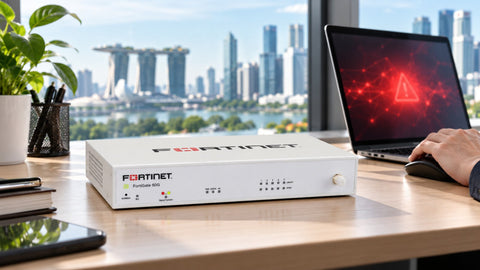
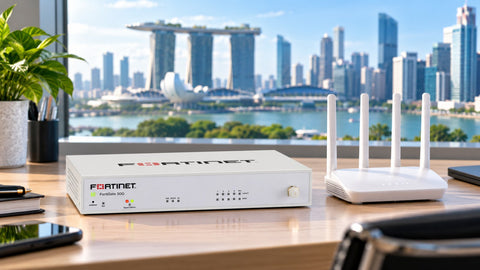
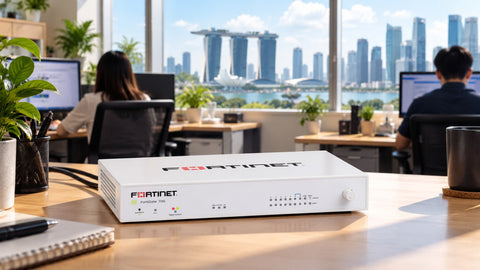
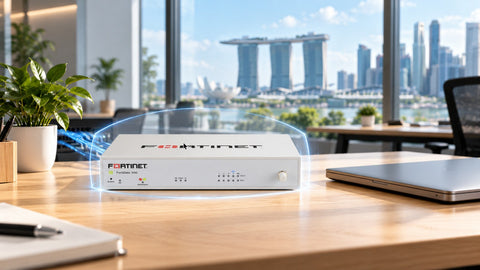
Because antivirus and a firewall protect different things. Antivirus, or more accurately endpoint protection, guards a single computer: it checks files and processes on that laptop or server. A business firewall such as a Fortinet FortiGate guards the network: it decides what may come in and go out, inspects that traffic for exploits, malware and phishing sites, and protects devices that cannot run antivirus at all, such as printers, CCTV cameras and meeting-room systems. Each catches attacks the other misses. Singapore's Cyber Security Agency (CSA) asks for both in its Cyber Essentials standard, which requires a perimeter firewall and malware protection on laptops, desktops and servers. At SourceIT, the FortiGate 50G with 1-year Unified Threat Protection (UTP) is S$1,819.20 and Microsoft Defender for Endpoint P1 is listed at S$46 a year (listed 30 Oct 2026).
What does each one see?
| Threat or task | Endpoint protection | FortiGate firewall |
|---|---|---|
| Malicious file opened from email or USB | Yes | Only if it crossed the network |
| Malicious command a user is tricked into running | Yes, with behaviour monitoring | Not directly; may block what it downloads or calls home to |
| Exploit attempts against servers or devices from the internet | Partly, on the device itself | Yes, intrusion prevention at the edge |
| Phishing and malware websites | Partly, through browser protection | Yes, web and DNS filtering for every device |
| Printers, CCTV, IoT and meeting-room devices | No, they cannot run it | Yes, policy, segmentation and inspection |
| Infected device calling its controller | Sometimes | Yes, botnet and command-and-control blocking |
| Spread from one PC to the server | Partly | Yes, when the network is segmented with firewall policies between zones |
| Which applications staff use, including AI tools | Limited | Yes, application control |
| Secure remote access for staff | No | Yes, IPsec VPN with MFA |
Where do attacks actually start?
Both places. Sophos's State of Ransomware 2026 survey found attacks began through exposed applications and systems in 38% of cases, user devices in 30%, firewalls in 21% and VPNs in 8%. Verizon's 2025 breach report found exploitation of vulnerabilities was the initial access route in 20% of breaches and credential abuse in 22%. Some of those paths run through endpoints, some through the network edge, and some through the firewall itself, which is why it must be kept patched as well.
Antivirus guards each room. A firewall guards the building, including the rooms nobody can lock.
What about devices that cannot run antivirus?
Every office has them: network printers, IP cameras, door controllers, smart TVs, conference-room systems, building management panels and personal phones on the Wi-Fi. CSA detected 284,300 infected systems in Singapore in 2025 and linked part of the rise to insecure IoT devices. These devices are often where an attacker hides. A firewall is the only control that can see and limit their traffic. See Your Office Printer Could Be the Weakest Link in Your Network and The Most Dangerous Device in Your Office Might Be the One Nobody Manages, and the wider comparison with physical security in Your Office Has CCTV, Door Access and Security Guards. But Who's Guarding Your Network?
Doesn't Windows already have a firewall?
Yes, and it should stay on. The Windows firewall controls traffic to and from that one PC. It does not inspect traffic for exploits, filter websites for every device, segment the network, provide a VPN for remote staff or protect the printer. It complements a network firewall rather than replacing it. The same is true of the basic firewall in an internet router; see Why Your S$200 Router Isn't a Replacement for a Business Firewall.
How do they work best together?
- Choose endpoint detection and response, not only traditional antivirus, so suspicious behaviour is caught, not just known files.
- Give the firewall a current security bundle so its IPS, antivirus and filtering databases keep updating.
- Segment the network so endpoints, servers and IoT devices sit in separate zones with firewall policies between them.
- Send logs from both to one place so an alert on the firewall can be matched with activity on the PC.
- Keep isolated backups, because neither tool guarantees ransomware never gets through.
Fortinet and other vendors also sell endpoint agents that integrate with their firewalls; the right pairing depends on what you already run.
Buying in Singapore
SourceIT supplies both layers: FortiGate firewalls with UTP, including the FortiGate 30G (S$1,236 with 1-year UTP), 50G (S$1,819.20) and 70G (S$2,630.40), and Microsoft Defender for Endpoint P1 and P2 subscriptions. Prices listed 30 Oct 2026. Browse the FortiGate firewall collection. For a quotation, use Request for Quotation on the product page, call (65) 6978 3502, email Sales@sourceit.com.sg or use our contact page.
Frequently asked questions
Do I need a firewall if I have antivirus? Yes. Antivirus protects individual computers; a firewall protects the network, including devices that cannot run antivirus, and blocks exploits and malicious sites for every device.
Do I need antivirus if I have a FortiGate? Yes. A firewall cannot see files opened from USB drives, commands users run themselves, or laptops used outside the office. CSA's Cyber Essentials standard requires both.
Is the Windows firewall enough for a business? No. It controls traffic for one PC but does not inspect traffic, filter websites, segment the network or provide VPN access for the whole office.
Which devices can only be protected by a network firewall? Printers, IP cameras, door controllers, smart TVs, meeting-room systems and other IoT devices that cannot run security software.
How much do a firewall and endpoint protection cost? At SourceIT on 30 Oct 2026, a FortiGate 50G with 1-year UTP is S$1,819.20, and Microsoft Defender for Endpoint P1 is listed at S$46 a year.

SourceIT Approved
Researched and verified by the SourceIT team for Singapore buyers.