
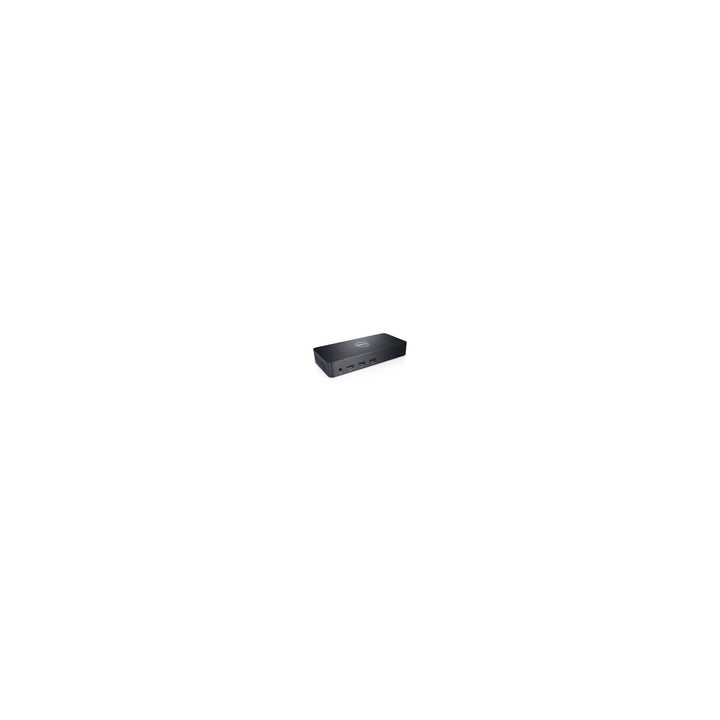

Dell D3100 USB 3.0 Docking Station
PRODUCT DESCRIPTION
Dell Docking Station - USB 3.0 (D3100) (452-11719) - Local Dell Warranty
Three Displays over USB 3.0
The D3100 connects over a single USB 3.0 cable and drives up to three monitors through one DisplayPort and two HDMI ports, or a single 4K screen at 30Hz on DisplayPort.
A Full Desk of Ports
Three USB 3.0 and two USB 2.0 ports (two high-powered for BC 1.2 charging), Gigabit Ethernet, a headset combo jack and audio line-out.
Works with USB 3.0 Laptops
The dock connects to Windows laptops and desktops through a standard USB 3.0 port, with Dell drivers on Dell Support.
Buying for an office roll-out? Email sales@sourceit.com.sg for volume pricing and delivery lead time.
Dell D3100 Datasheet — Technical Specifications
General
| Product Name | Dell Docking Station - USB 3.0 (D3100) |
| Model | D3100 |
| Dell SKU (Singapore) | 452-11719 |
| Local Warranty (Singapore) | Local Dell warranty, supplied by SourceIT with a GST invoice (Dell Singapore no longer publishes a term for this SKU; confirm the term with sales) |
Host Connection
| Host Interface | 1 x USB 3.0 upstream (Standard-B) |
| Host Cable | USB 3.0 I/O cable, 2 ft |
| Power | External power adapter and power cord included |
Ports
| Video Outputs | 1 x DisplayPort, 2 x HDMI |
| USB | 3 x USB 3.0, 2 x USB 2.0 (2 high-powered ports with BC 1.2 charging) |
| Ethernet | Gigabit Ethernet |
| Audio | Combo audio (headphone/mic), audio line-out |
Video Support
| Single Display | Up to 3840 x 2160 @ 30Hz (DisplayPort) |
| Dual Display | 3840 x 2160 @ 30Hz (DisplayPort) + 2560 x 1440 @ 50Hz (HDMI) |
| Triple Display | Up to 2048 x 1152 @ 60Hz |
Environment
| Max Operating Temperature | 40 °C |
Compatibility & Software Support
Supported Operating Systems
Windows 7, 8, 8.1 and 10 (32/64-bit), per the Dell user guide. Check Dell Support for current drivers.
Host Computers
Laptops and desktops with a USB 3.0 port; the dock driver must be installed from Dell Support.
Package Contents & Dell Docking Stations Ordering Information
In the Box
Dell Docking Station D3100, USB 3.0 I/O cable (2 ft), power adapter and power cord, HDMI to DVI adapter.
Dell Docking Stations
| Model | Key feature |
| D3100 USB 3.0 (452-11719) (this listing) | USB 3.0, 1 x DP + 2 x HDMI, up to 3 displays |
| Universal Dock D6000S | Universal dock with DisplayLink |
| Universal Dock UD22 | Dell universal dock |
| Pro Dock WD25 | USB-C, 100 W to Dell PCs, up to 4 displays |
Datasheet & Downloads
| User guide | D3100 User's Guide (PDF) |
| Quick setup guide | D3100 Quick Setup Guide (PDF) |
| Manuals & drivers | D3100 drivers on Dell Support |
Need a PDF sent directly? Email sales@sourceit.com.sg quoting D3100.
Frequently Asked Questions — Dell D3100
How many monitors can I connect?
Up to three: up to 2048 x 1152 at 60Hz each on three screens, or one 4K screen at 30Hz on DisplayPort.
What is in the box?
The dock, a 2 ft USB 3.0 cable, the power adapter and cord, and an HDMI to DVI adapter.
Do I need a driver?
Yes, install the D3100 driver from Dell Support before connecting displays.
What warranty do I get?
Local Dell warranty supplied by SourceIT with a GST invoice. The D3100 is a legacy model, so please confirm availability and warranty with sales.


