
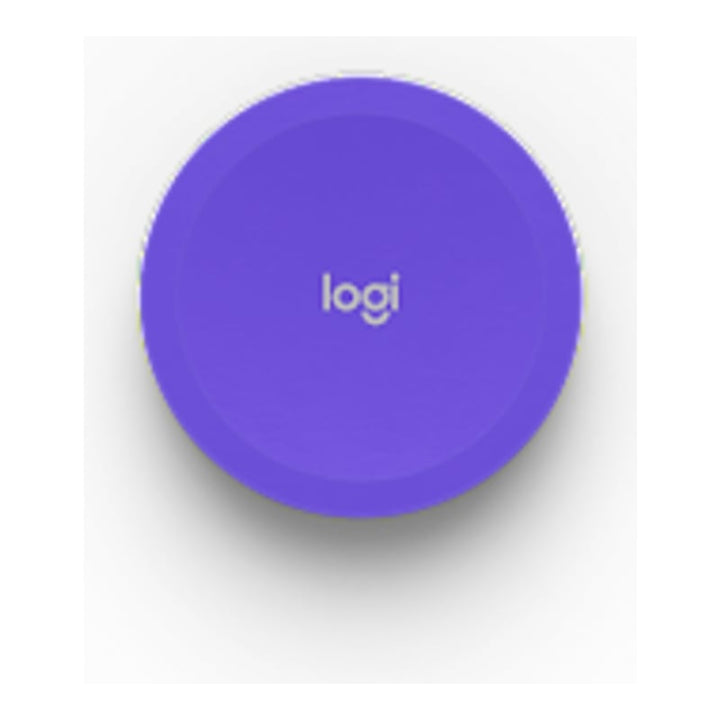


Logitech Scribe Share Button
PRODUCT DESCRIPTION
Logitech Scribe Share Button (952-000105 / 952-000102) - 2 Years Local Warranty
Logitech Scribe Share Button — One Press to Share the Whiteboard into the Meeting
The wireless Share Button for the Logitech Scribe Whiteboard Camera makes it remarkably simple to share a whiteboard into a video meeting. Press anywhere on the button — with a finger, an elbow or even the end of a marker — to start or stop sharing, without walking back to the table or touching the room controller.
Two Colours: Lilac (952-000105) and Off-White (952-000102)
Choose Lilac (952-000105), the colour supplied with Scribe, as a replacement or extra button, or Off-White (952-000102) to blend in with a lighter room design. Both connect to Scribe over Bluetooth Low Energy and mount on the wall with an adhesive backing.
Wireless, Battery Powered and Simple to Pair
The button runs on two CR2032 coin cells, so no cabling is needed beside the whiteboard. Each Scribe ships pre-paired with a Share Button; a replacement button is paired by holding the Bluetooth button on the camera until its LED blinks blue, then holding the Share Button for 10 seconds or more until Scribe chimes and its LED turns solid blue.
Logitech Scribe Share Button Datasheet — Technical Specifications
General
| Part Number | 952-000105 (Lilac) / 952-000102 (Off-White) |
| Colour | Lilac or Off-White |
| Product series | Logitech Scribe whiteboard camera accessories |
| Compatibility | Logitech Scribe |
| Warranty | 2 Years Local Warranty (Singapore) |
Connectivity & Power
| Interface | Bluetooth Low Energy |
| Battery | 2 x CR2032 |
| Mounting | Adhesive-backed |
Dimensions & Weight
| Height | 12.7 mm |
| Diameter | 71.8 mm |
| Weight | 108 g |
Compatibility & Platform Support
The Share Button pairs only with the Logitech Scribe Whiteboard Camera. Share Button support may vary by video conferencing service provider, so check the Scribe compatibility information for your room platform before deployment.
Package Contents & Scribe Accessories Ordering Information
In the box: Share Button and documentation.
Logitech Scribe range at SourceIT:
| Model | Part Number |
| Logitech Scribe Whiteboard Camera | 960-001332 |
| Logitech Scribe Polarizer | 952-000116 |
| Logitech Scribe Glass Mount | 952-000120 |
| Logitech Scribe Share Button — Lilac (this listing) | 952-000105 |
| Logitech Scribe Share Button — Off-White (this listing) | 952-000102 |
Datasheet & Downloads
Frequently Asked Questions — Logitech Scribe Share Button
Does Scribe already come with a Share Button?
Yes. Each Scribe ships pre-paired with a Share Button. These listings are for a replacement or an additional button, or to switch to the Off-White colour.
How do I pair a new Share Button?
Hold the Bluetooth button on the Scribe camera for 10 seconds until its LED blinks blue, then press and hold the Share Button for 10 seconds or longer. The Scribe LED turns solid blue and the camera chimes when pairing is complete.
What batteries does it use?
Two CR2032 coin-cell batteries.
Does it work with every meeting platform?
Share Button support may vary by video conferencing service provider. Check Logitech's Scribe compatibility information for your platform.
Does it come with a local warranty?
Yes. Every Logitech Scribe Share Button sold by SourceIT comes with 2 years local Singapore warranty and a GST invoice.


