
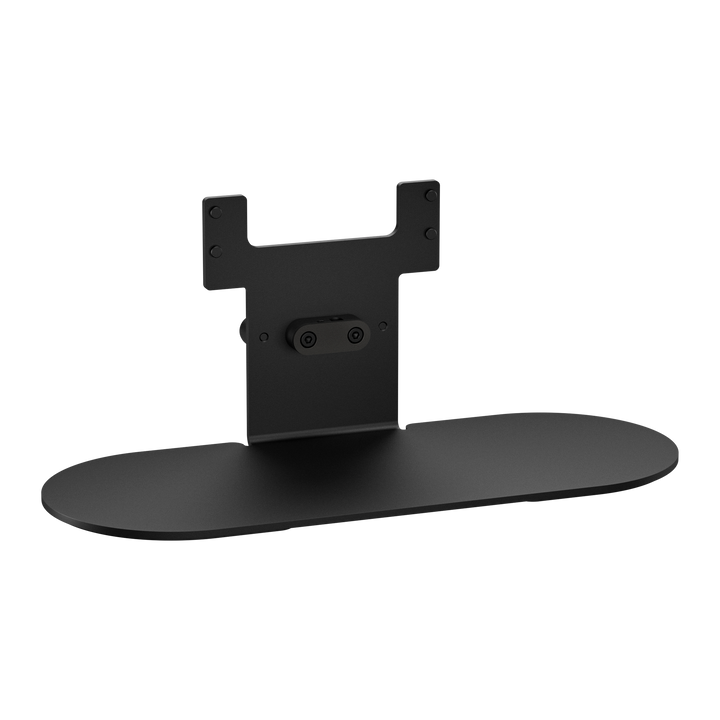


Jabra Panacast 50 Video Bar System Click-On Table Stand
PRODUCT DESCRIPTION
Jabra Panacast 50 Video Bar System Click-On Table Stand (14307-70) - Local Warranty
Table Stand for the Jabra PanaCast 50 Video Bar System
Jabra describes it simply: "Mount your PanaCast 50 Video Bar System as a free-standing unit on a desk or table, for maximum flexibility and portability, with the Table Stand." It clicks on to the video bar, so there is no wall mounting needed.
Flexible Meeting Room Set-Ups
A table stand suits rooms where wall mounting is not allowed or not practical, such as leased offices, glass-walled rooms or spaces that are rearranged often. The video bar can be placed where it gives the best view of the table and moved later if the room layout changes.
Jabra PanaCast 50 Video Bar System Table Stand (click-on) — Technical Specifications
| Brand | Jabra |
| Part Number | 14307-70 |
| Product Type | Table stand |
| Compatible with | Jabra PanaCast 50 Video Bar System (VBS) |
| Mounting | Click-on |
| Warranty | Local Warranty (Singapore) |
Compatibility
Designed for the Jabra PanaCast 50 Video Bar System (VBS).
Please check your device model and the part number (14307-70) before ordering to make sure this is the right item.
Package Contents & Ordering Information
In the box
- 1 x Jabra PanaCast 50 Video Bar System Table Stand (click-on)
| Part Number | 14307-70 |
Datasheet & Downloads
FAQ
Which product does this stand fit?
The Jabra PanaCast 50 Video Bar System (VBS).
How does it attach?
It is a click-on stand.
Do I need to drill into a wall?
No. It is a table stand that lets the video bar stand free on a desk or table.
What warranty is included?
Local warranty, handled through SourceIT in Singapore.


